Last update: Thursday, March 19, 2009, 5:43:39 PM.
TwitterCalendar Tool
TwitterCalendar is an app that runs in the OPML Editor that maintains an archive of your Twitter posts and those of the people you follow. You can choose to maintain the archive in a local folder, or in a publicly accessible archive on Amazon S3.
Important caveat: To be effective, this tool and the OPML Editor must remain launched 24-7. You can take it down for short periods, but they shouldn't be longer than an hour or your archive will have holes.
How to install
1. If you haven't already done so, download and install the OPML Editor. Be sure it's running.
2. Choose Tool Catalog from the Misc menu. Click the Install link in the same row as the TwitterCalendar tool. Click OK to confirm.
3. After it's installed a web page comes up with a series of options. Enter your Twitter username and password. All the other fields either have default values or are optional. Screen shot.
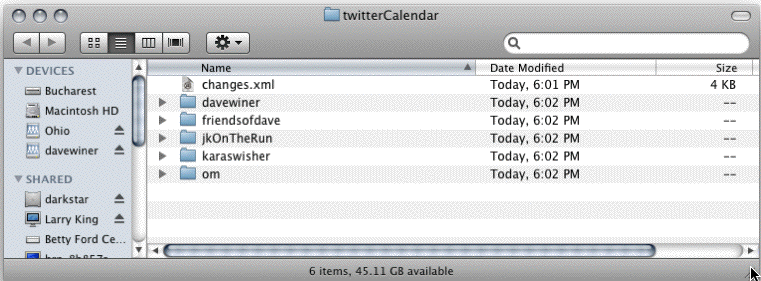
As soon as you enter a username and password that validates the archiving begins. If you didn't change the folder location, look for a folder on your desktop.
Why it works the way it does
It's really easy through the Twitter API to get the updates of all the people you follow, and it makes a great simple user interface for deciding who you want to archive. If you want to archive someone, just follow them. That's all there is to it.
I'm running this app myself
I have it running on a server in Amazon's EC2 cloud. It uses a tiny fraction of the capacity of the server, which does many other things. You can see my archive here, it's publicly accessible:
Buried in the list of folders is a weblogs.com-compatible changes.xml file. You can see, in reverse-chronologic order, the last 250 cohorts of mine to update.
Here's what a user's folder looks like, these are the updates of Bijan Sabet, a nice guy who happens to be on Twitter's board of directors (he's one of the early VC investors in Twitter).
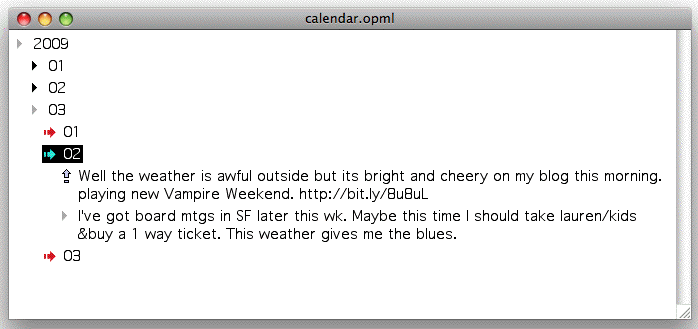
At the top level is a calendar structure for 2009, there will be one for 2010 if we make it that far. calendar.opml is a structure that points to all the OPML files in the directory, so you can browse it in an outliner, such as the OPML Editor. today.opml has the most recent day's tweets. So if you want to see what Bijan's been doing today (or the last time he tweeted) you can look in this file.
If you're using EC2
A few notes if you're installing TwitterCalendar on a server created with the EC2 for Poets howto
1. Set the folder to C:\www\twitterCalendar\ -- this folder is publicly accessible through the web server.
2. It's probably a good idea if you plan to run this for any period of time to get a domain name to point to it.
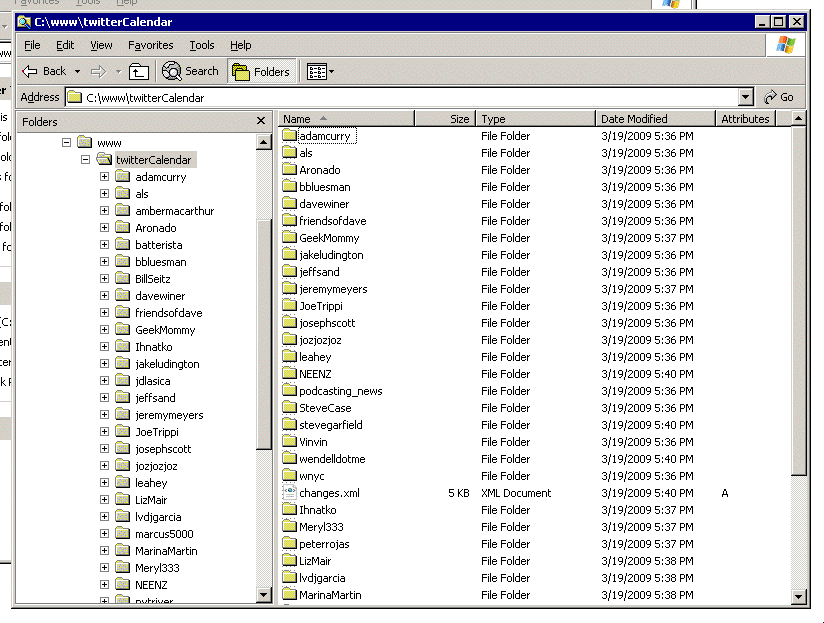
3. I tested it, it works fine -- here's a picture of the folder it's maintaining on my server.
Using Amazon S3 to host your archive
The structure demonstrated in the previous section is the exact structure your copy of TwitterCalendar will produce. However the pointers in the index files will be broken if you haven't configured the app's base folder URL in the prefs page; and the folder must be on a publicly accessible web server. Using Amazon S3 to host your archive solves both problems, and is pretty easy to set up. All you need is an account on Amazon, and you already have one if you've ever bought anything on Amazon. (They're smart, they make it easy to spend money with them.)
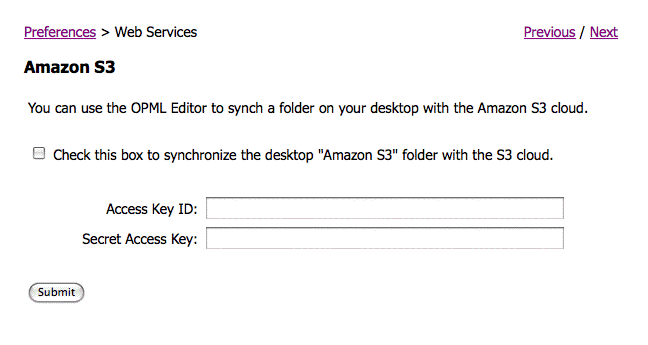
If you decide to use S3, you can skip all the technical stuff on the site, you just need two pieces of info to configure the OPML Editor to access S3, the Access Key ID and the Secret Access Key. As you set it up on the Amazon site, they will give you both bits of info. If you click on this link, with the OPML Editor running on your machine, you can enter the info that it needs. Screen shot.
Then you have to decide on an access path, something like "/bullMancusoTwitter/calendar/" would probably be good, however instead of bullMancuso, use your Twitter user ID. The first string has to be something that no one else has used. If you were using this path, then the base URL would be: http://bullMancusoTwitter.s3.amazonaws.com/calendar/