|
||||||||||||||||||||||||||||||||||||||||||||||||||||
|
New Twitter support in OPML Editor
Yesterday I released new code that allows you to browse the posts from all the people you're following on Twitter.
 How to: 1. Choose Update opml.root from the File menu. 2. Click on OK. 3. Quit and relaunch the OPML Editor app.
There's a new Twitter sub-menu of the Community menu, with two commands: 1. The Preferences command allows you to set your Twitter username and password, and 2. My Twitter Friends opens an outline window with a list of your friends.
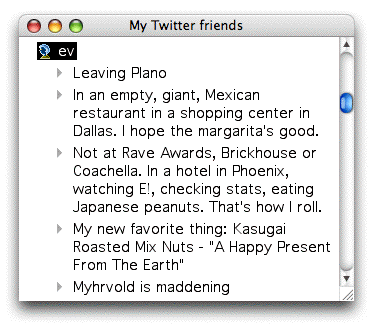
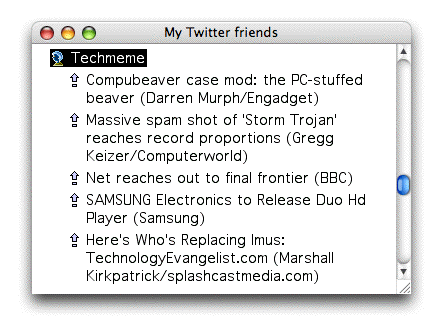
In the window, when you double-click on a friend's name, after a short delay, we display the last 20 status messages posted by that person. If the the message contained a URL, the outline node is a link, if you double-click it, the link opens in your web browser (screen shot). Although I haven't tried it yet, if the URL ends with .opml, it should open in-place, since that's a hack the OPML Editor uses to trigger an OPML inclusion. ";->"
|
Last update: Thursday, June 3, 2010; 4:00:44 PM
Mail:
|
|||||||||||||||||||||||||||||||||||||||||||||||||||
|
© Copyright 1997-2010 Dave Winer. Last build: 6/3/10; 10:28:31 PM. "It's even worse than it appears." Previous / Next |
||||||||||||||||||||||||||||||||||||||||||||||||||||

 scriptingnews1mail at gmail dot com.